Home
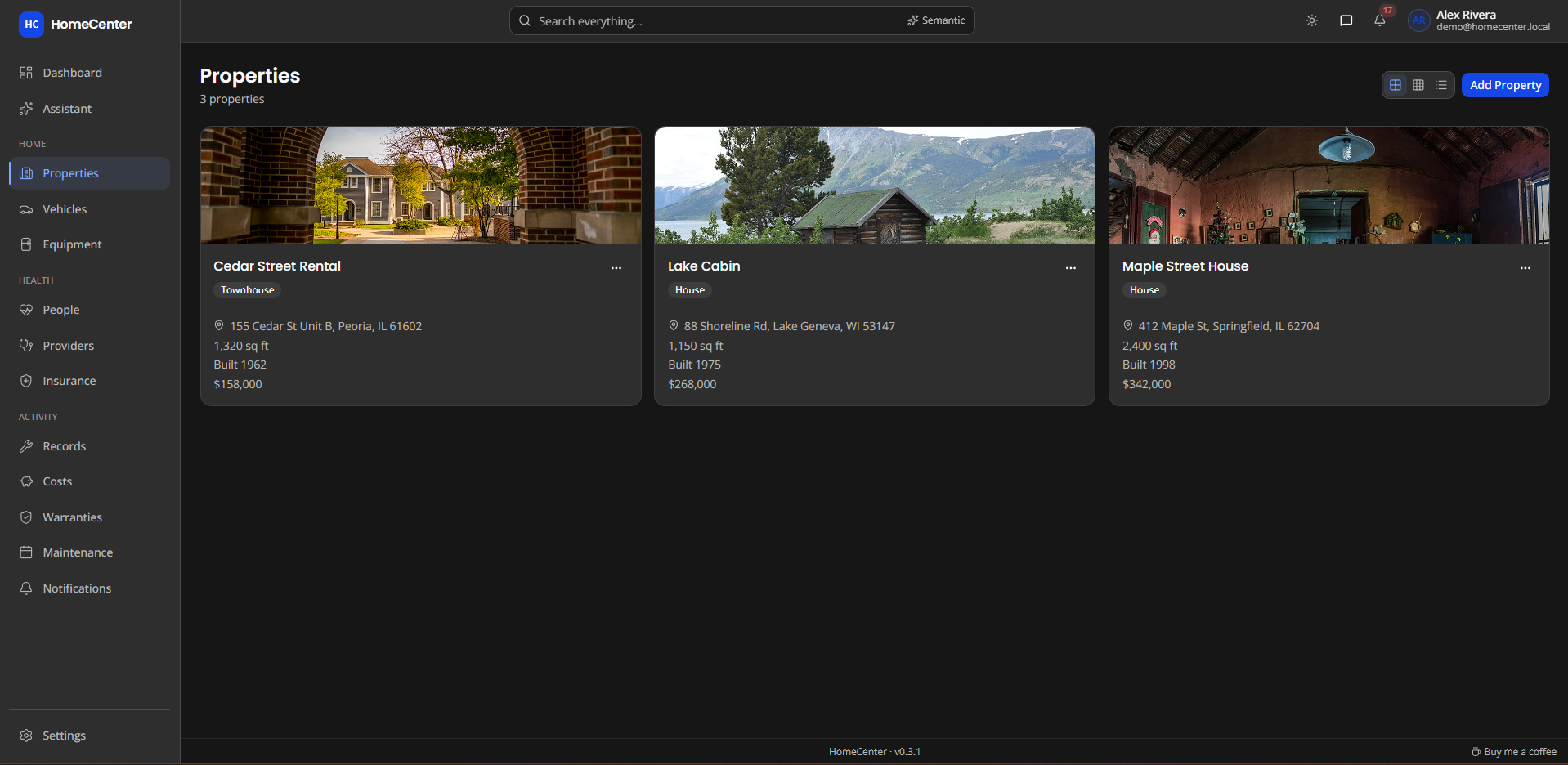
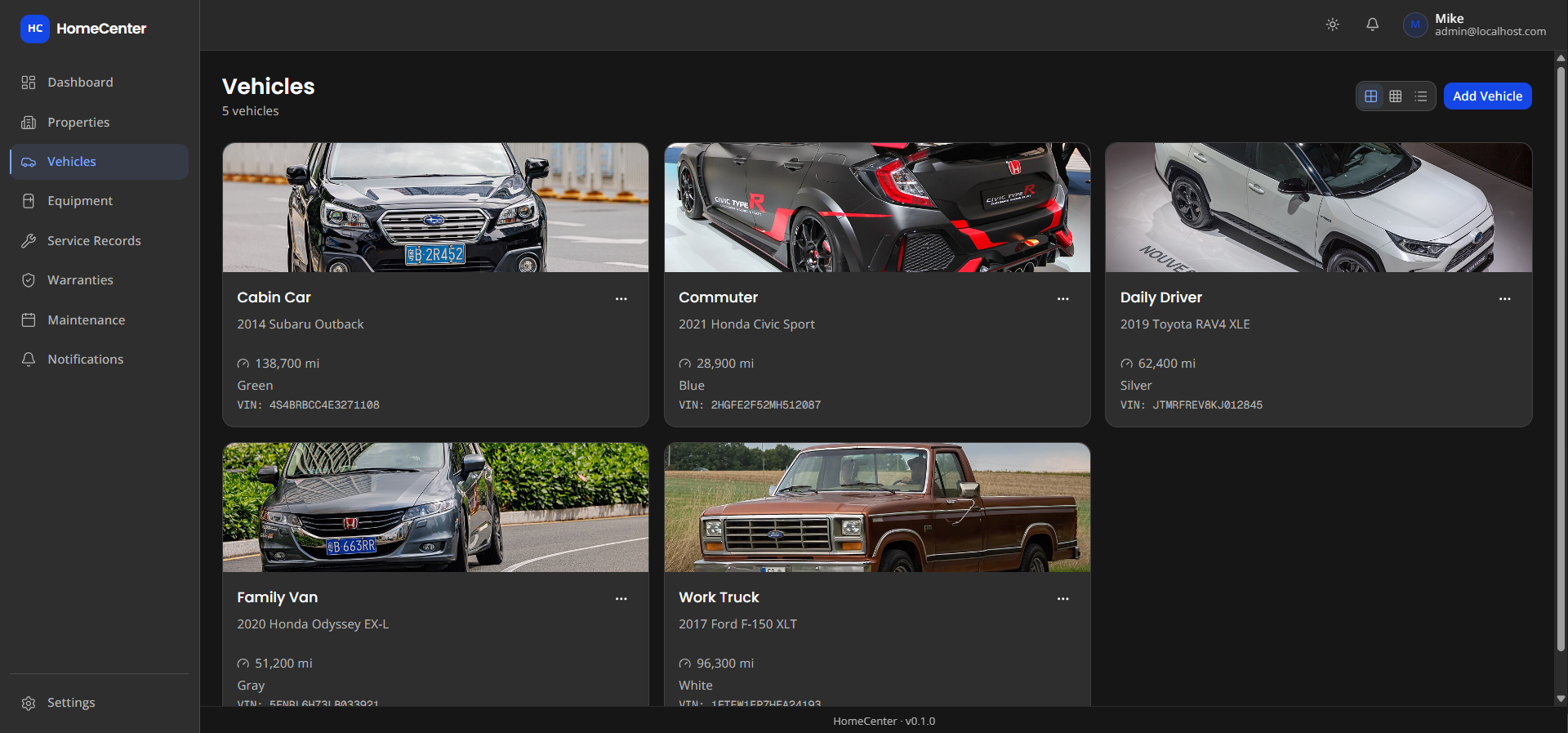
- Properties, vehicles & equipment with photos, purchase info and model/serial numbers
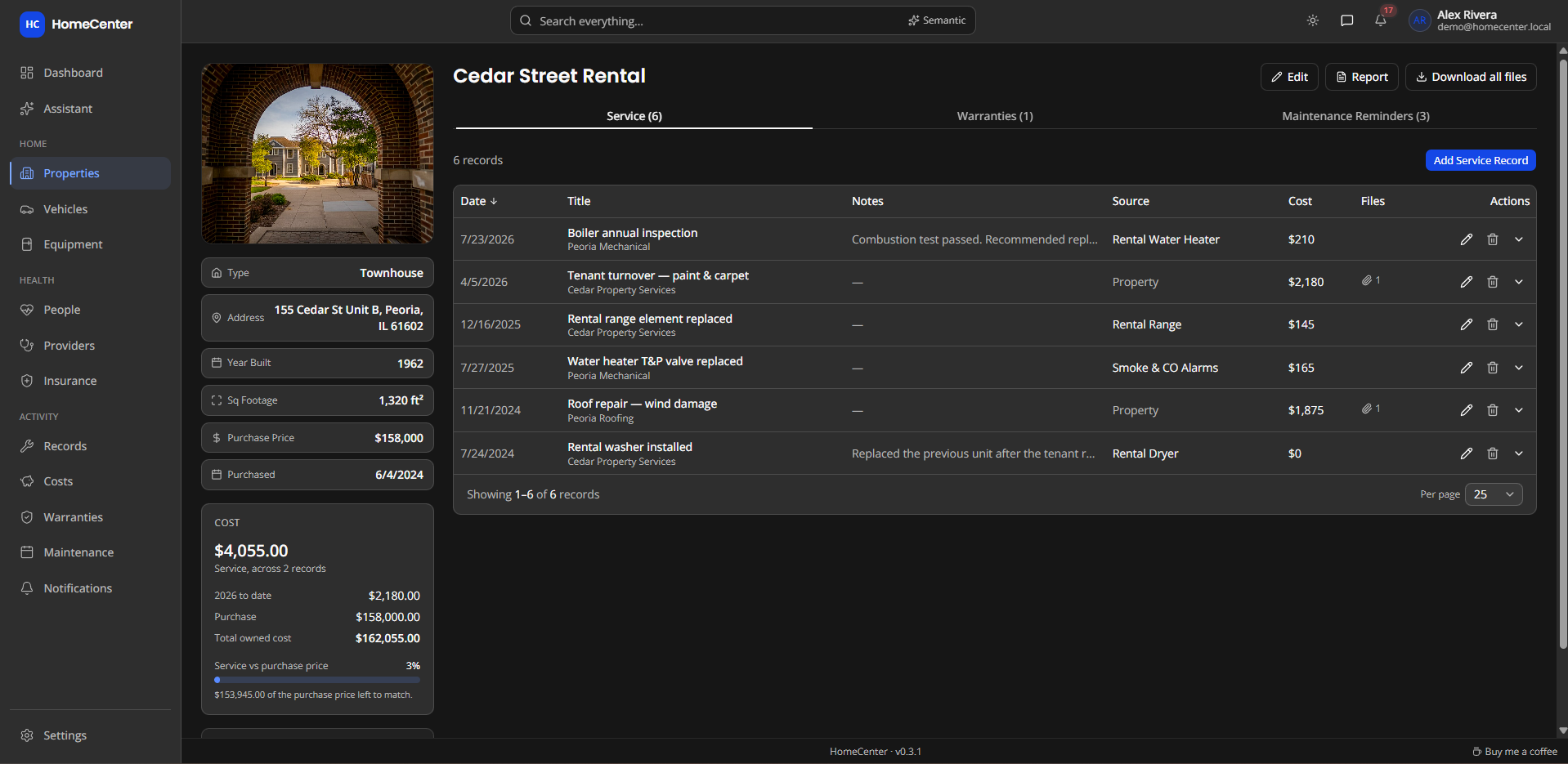
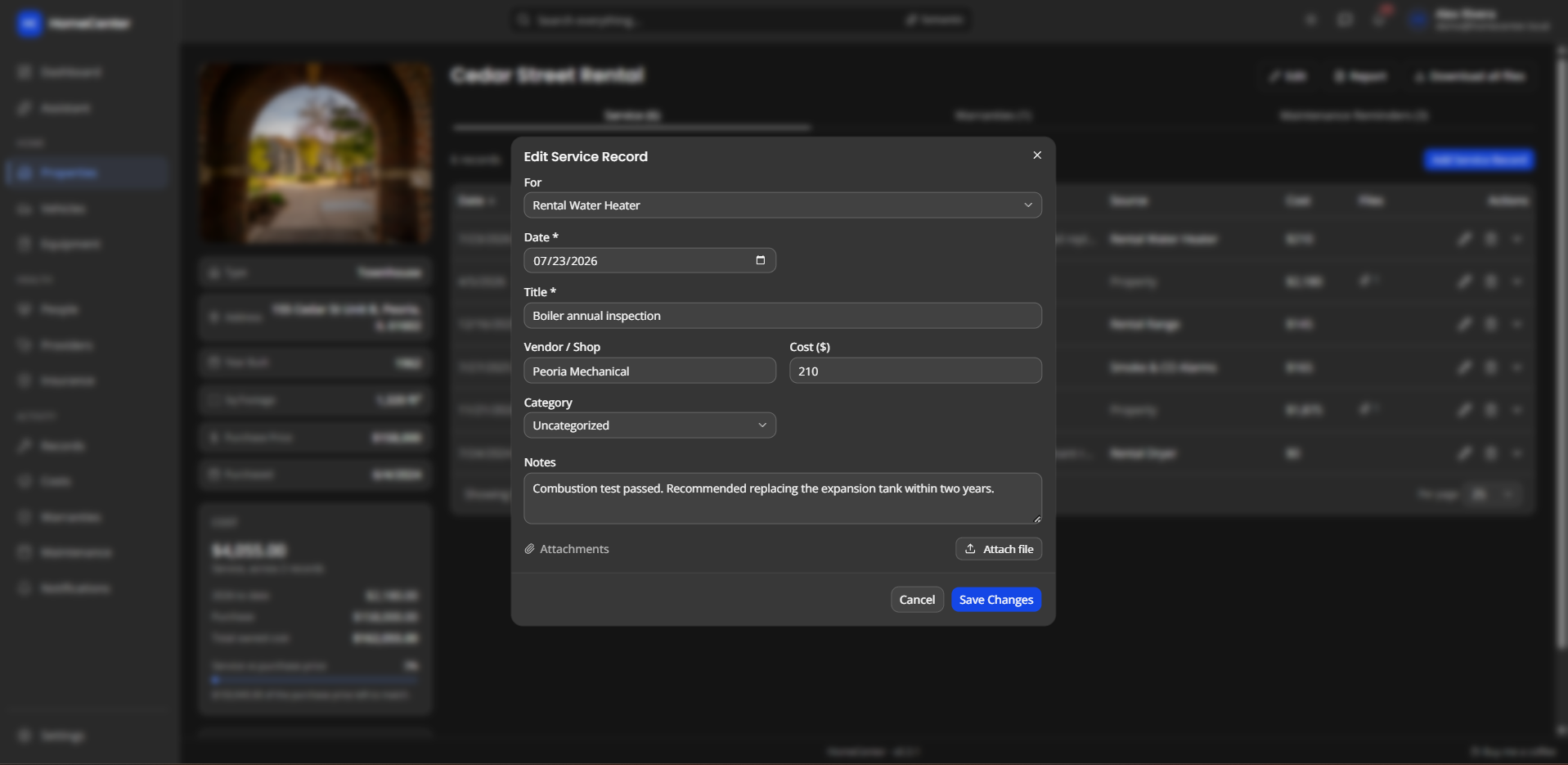
- Service records with vendor, cost and category
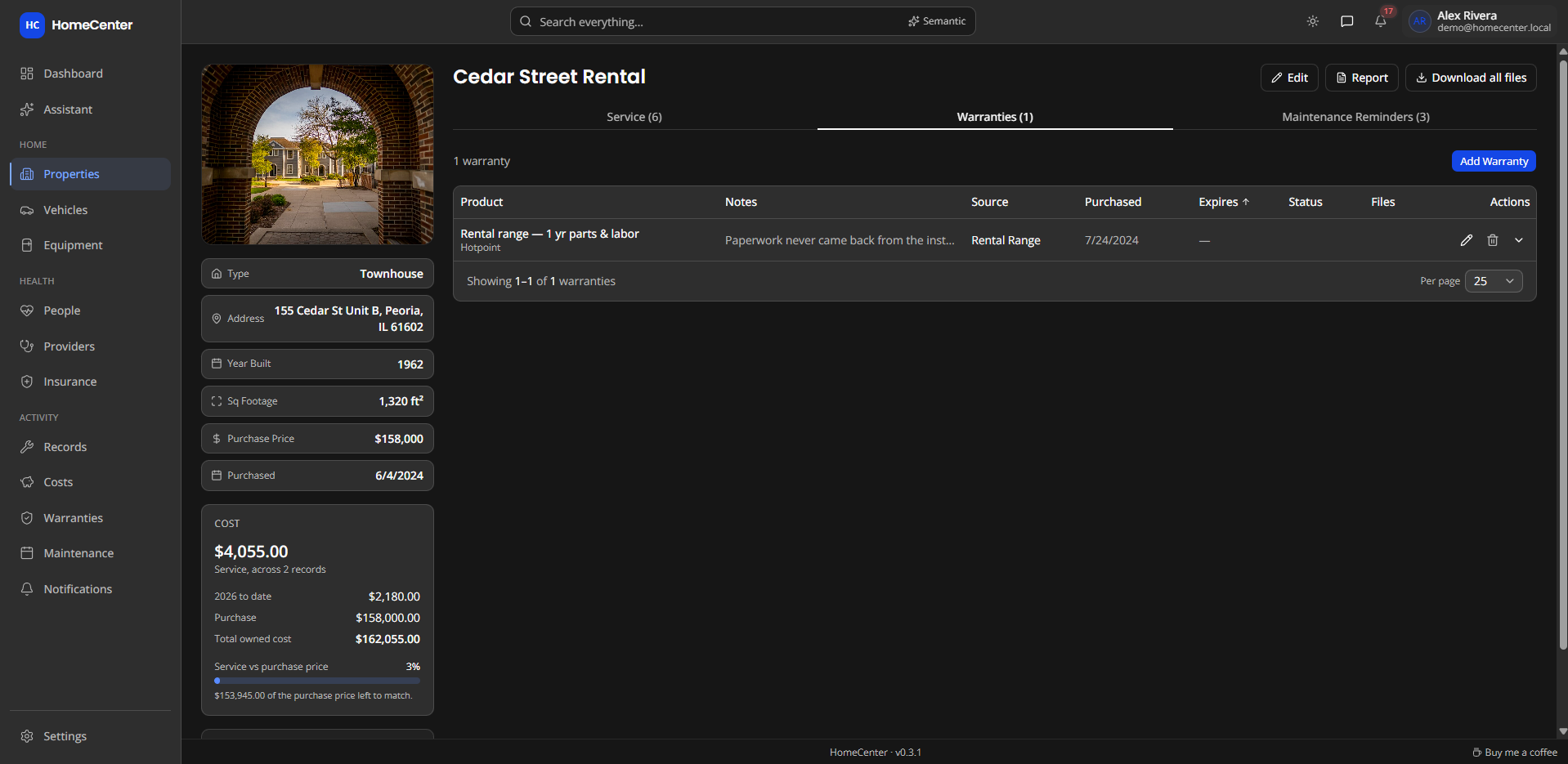
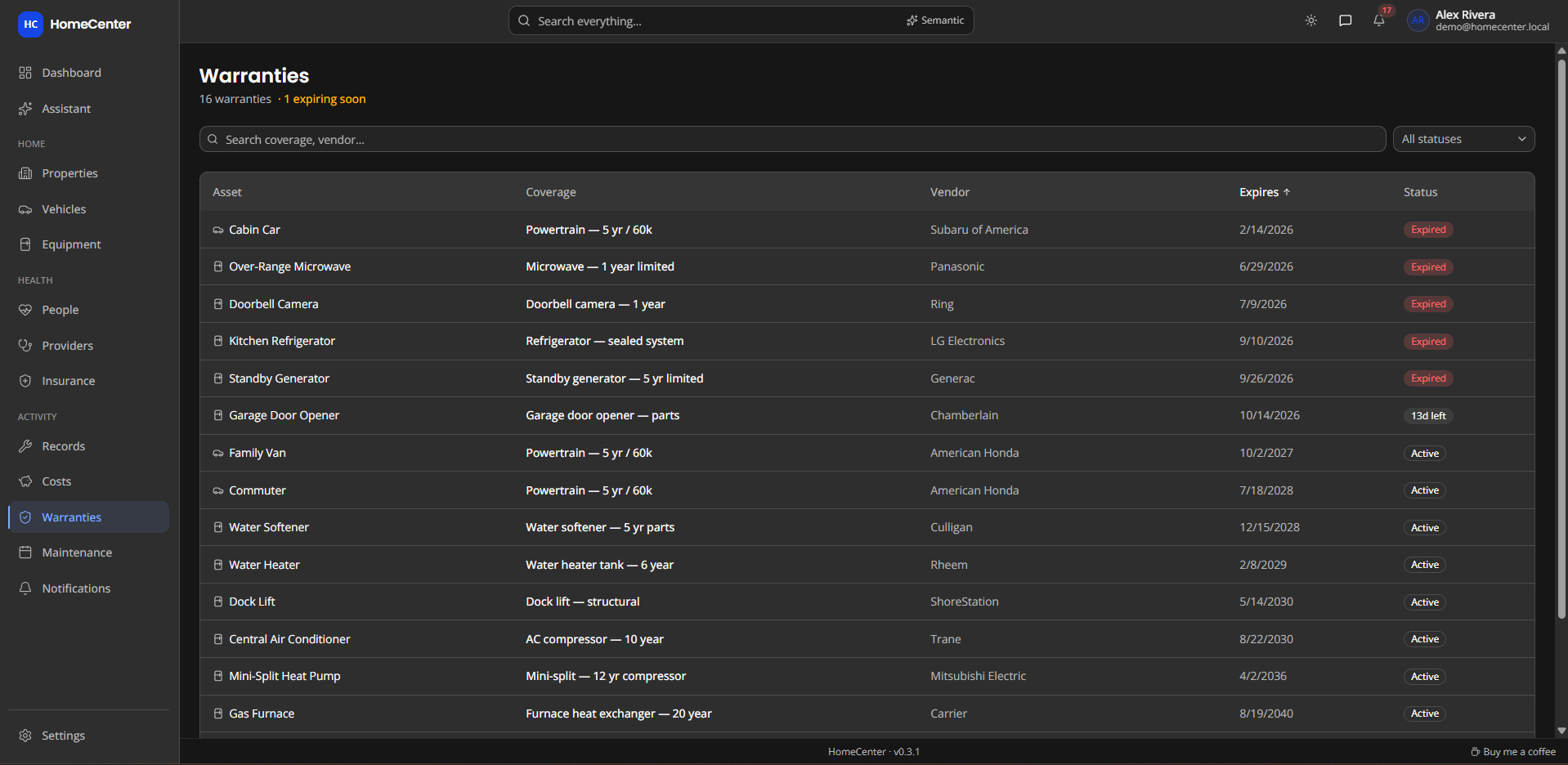
- Warranties with expiry status at a glance
- Maintenance reminders by date or mileage
Service history, costs and reminders for your homes, vehicles, equipment and family health. Every receipt and manual is searchable, and it all runs in one Docker container.
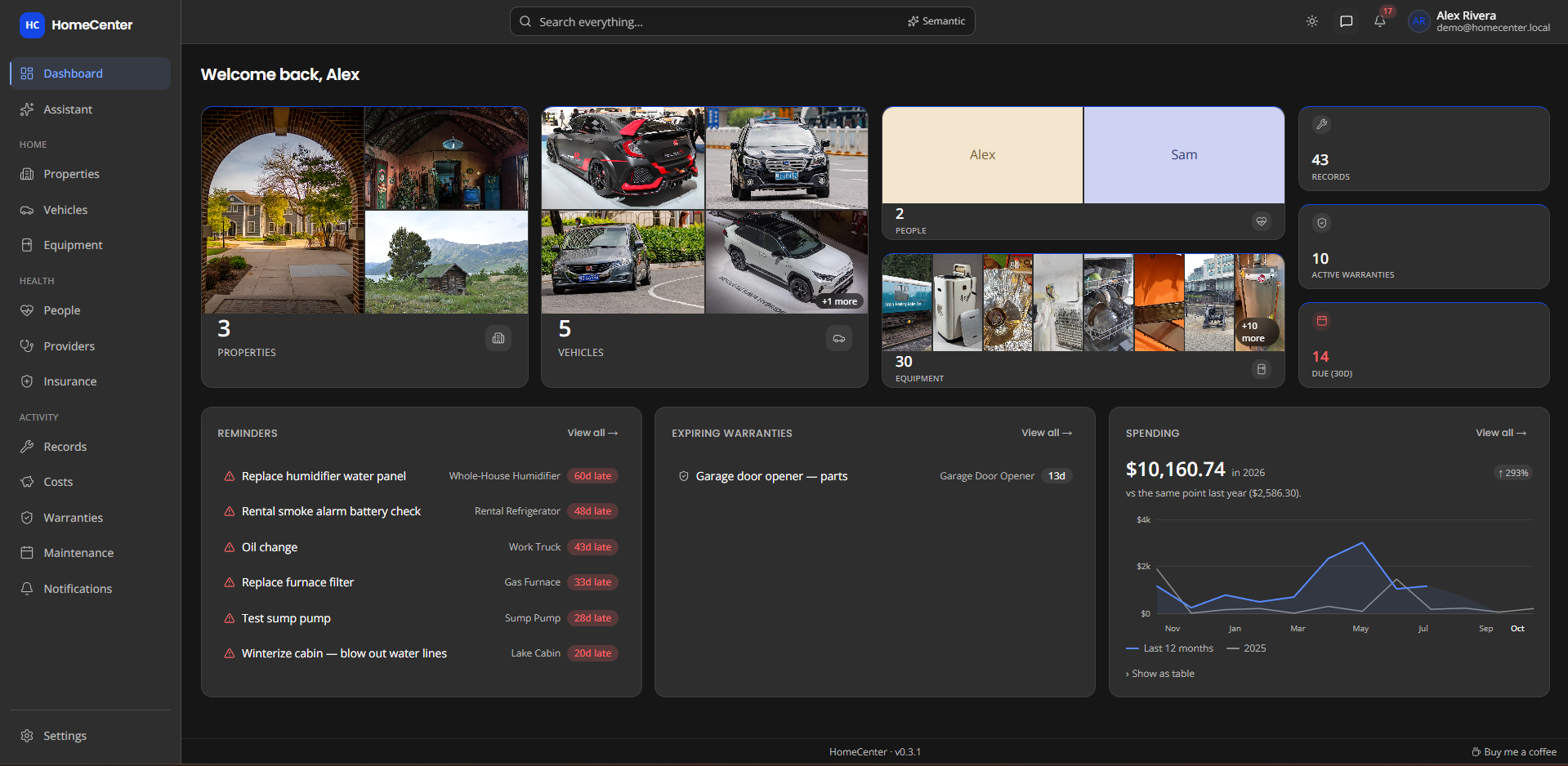
Recorded on the demo data. Every page is reached by a click, so you can follow along.
From the furnace filter to a prescription refill, HomeCenter remembers what was done, what it cost and what's coming up.
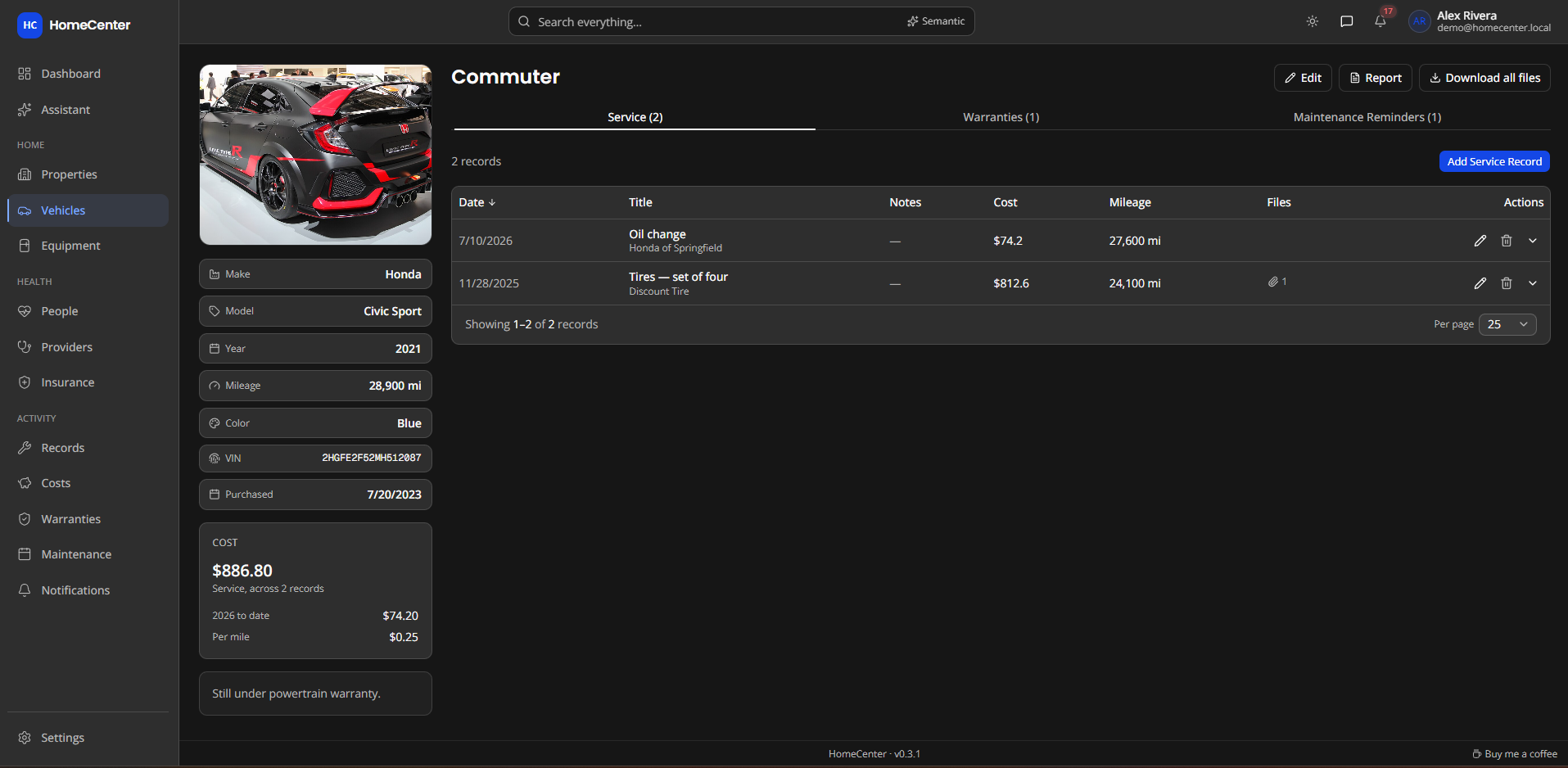
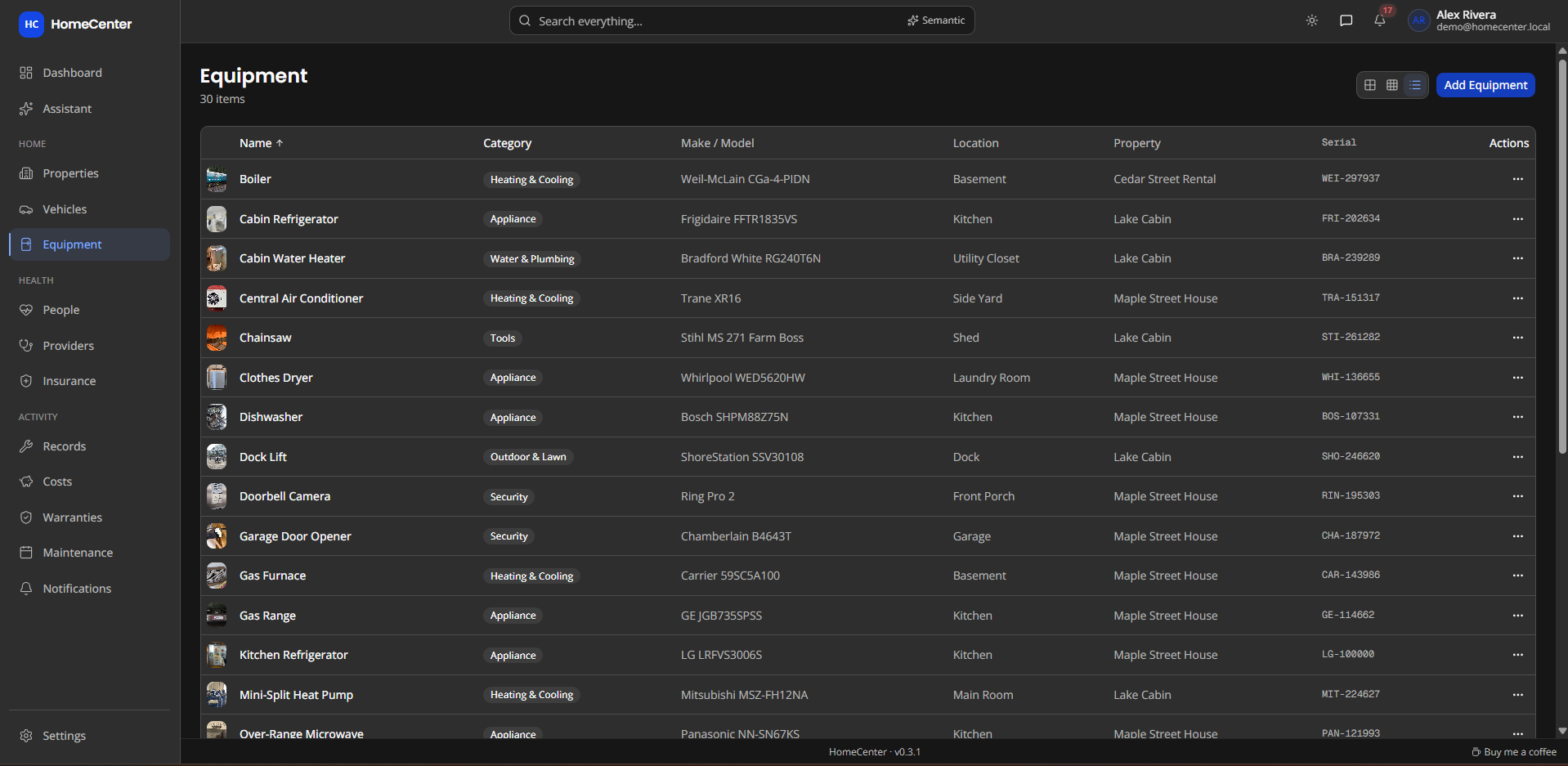
Give each thing you own a page: photo, details, and every repair, warranty and reminder attached to it.
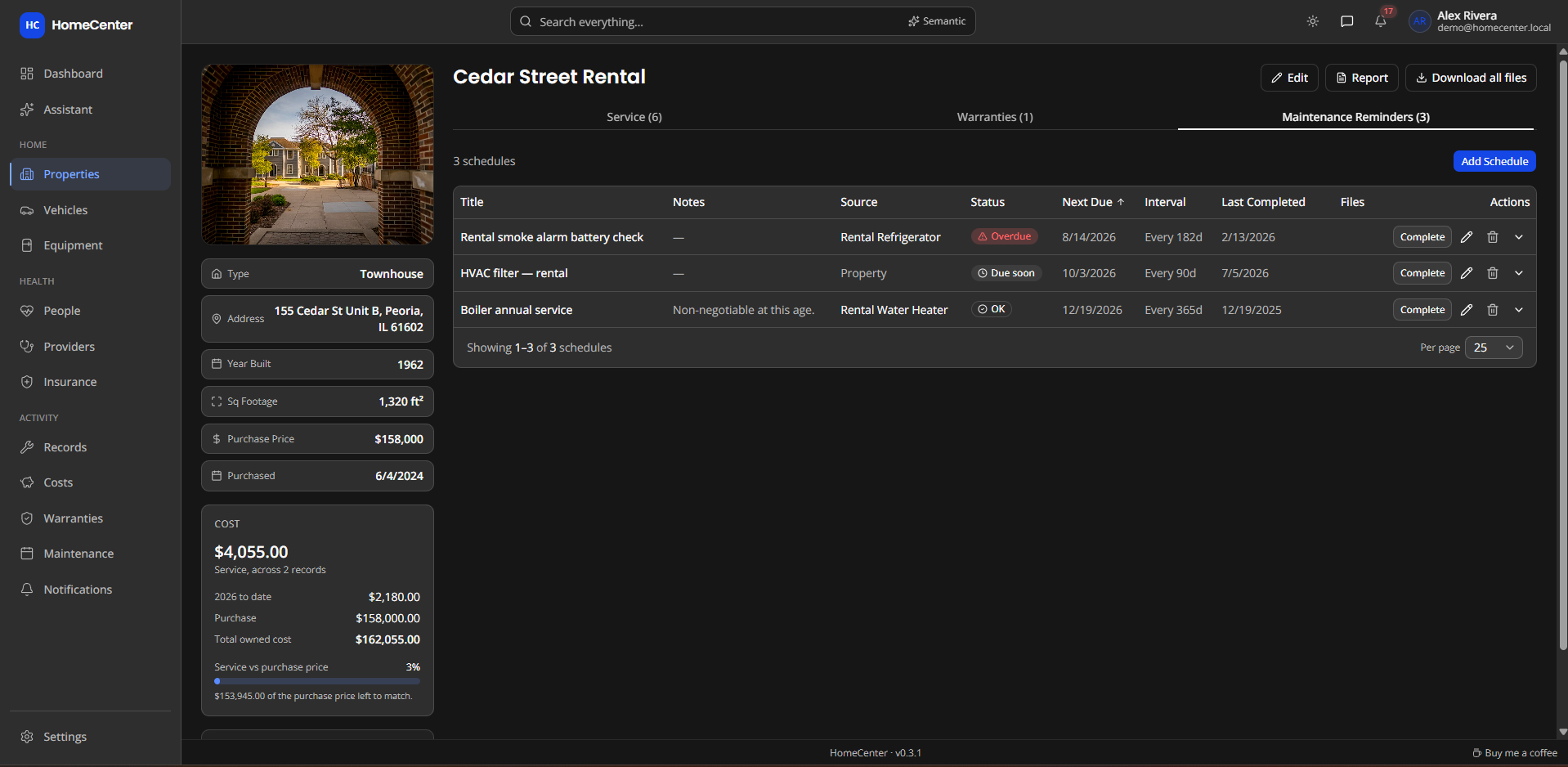
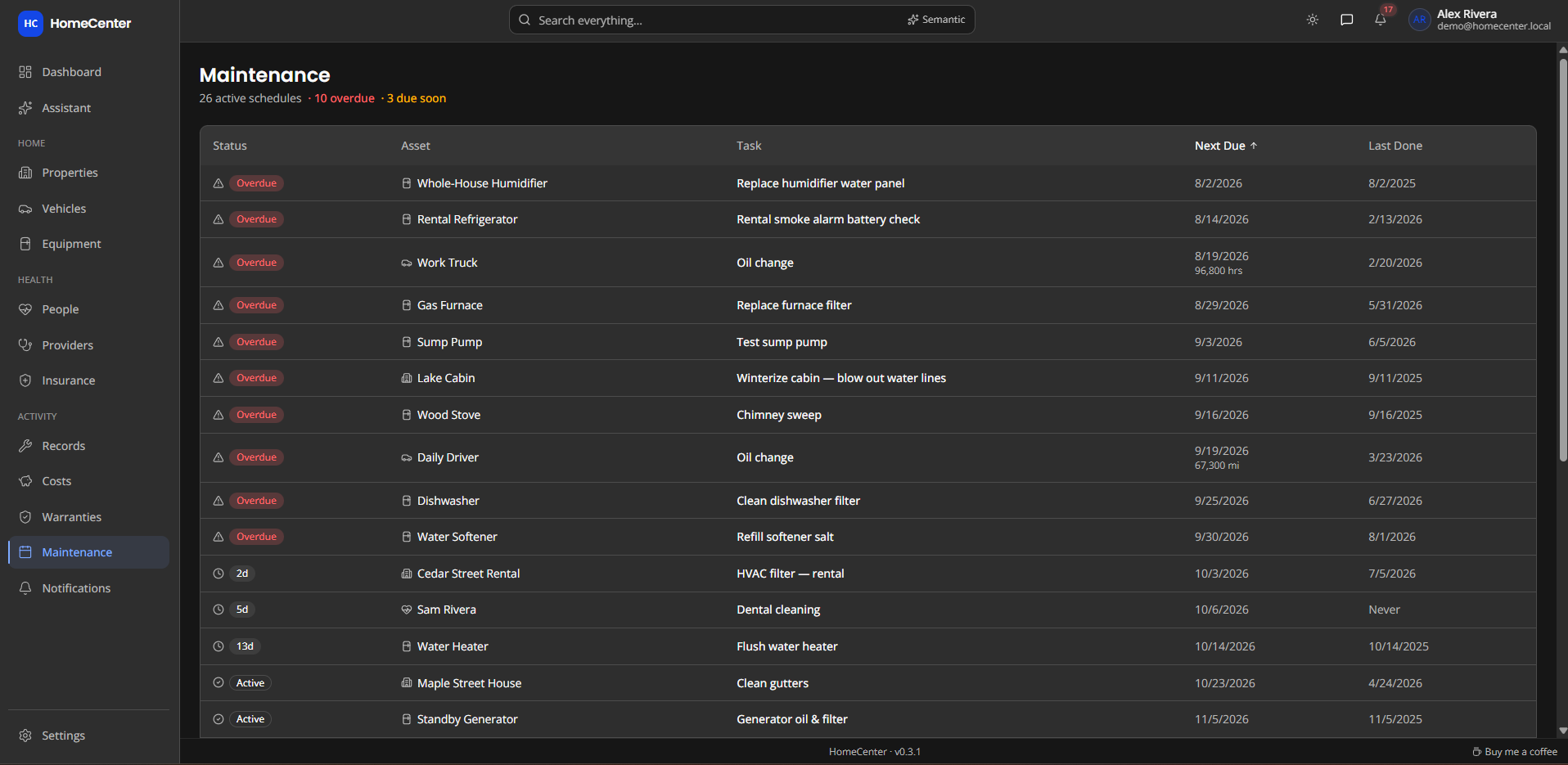
Set a reminder once by days or miles. HomeCenter works out the next due date and tells you in time.
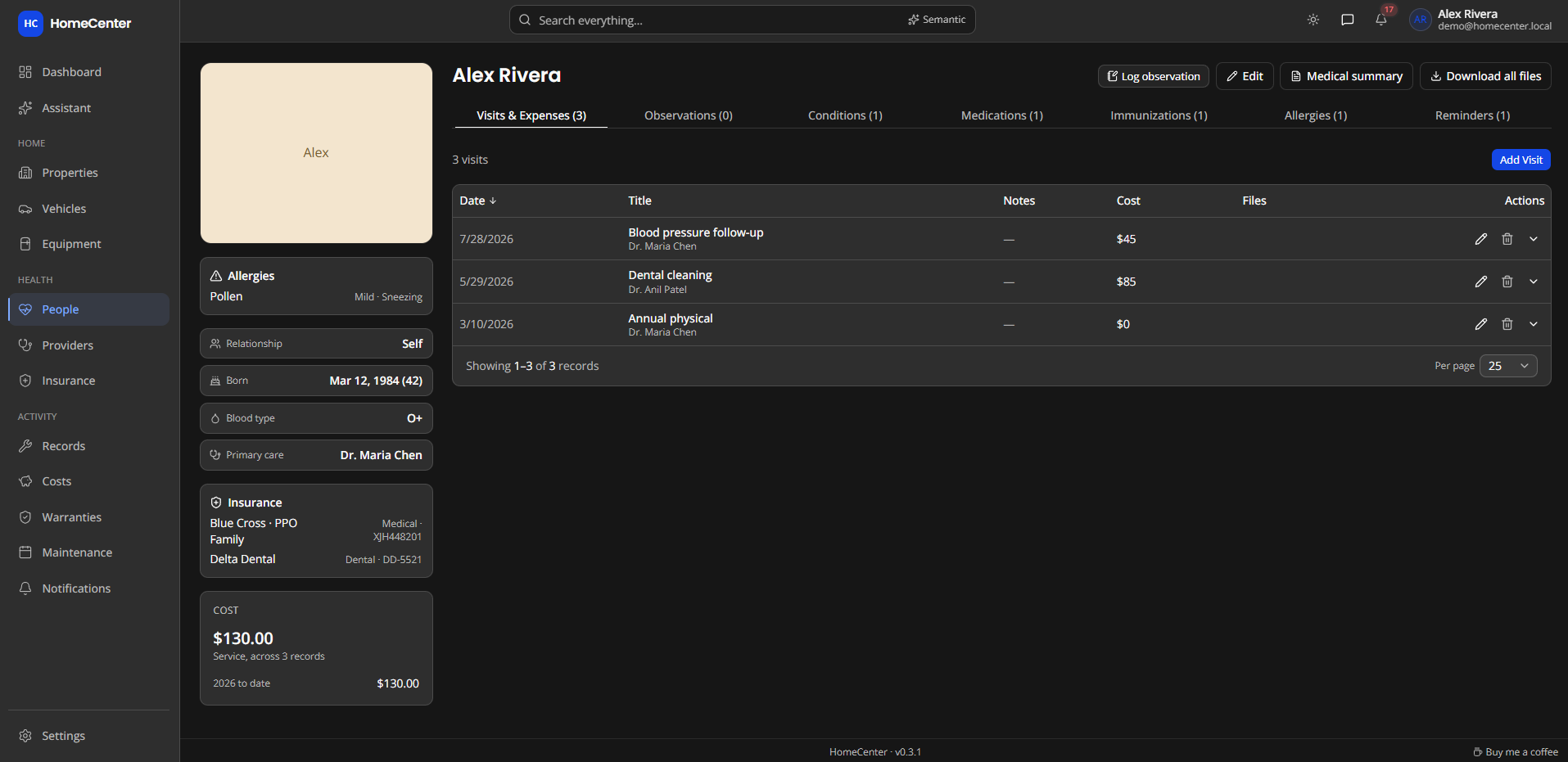
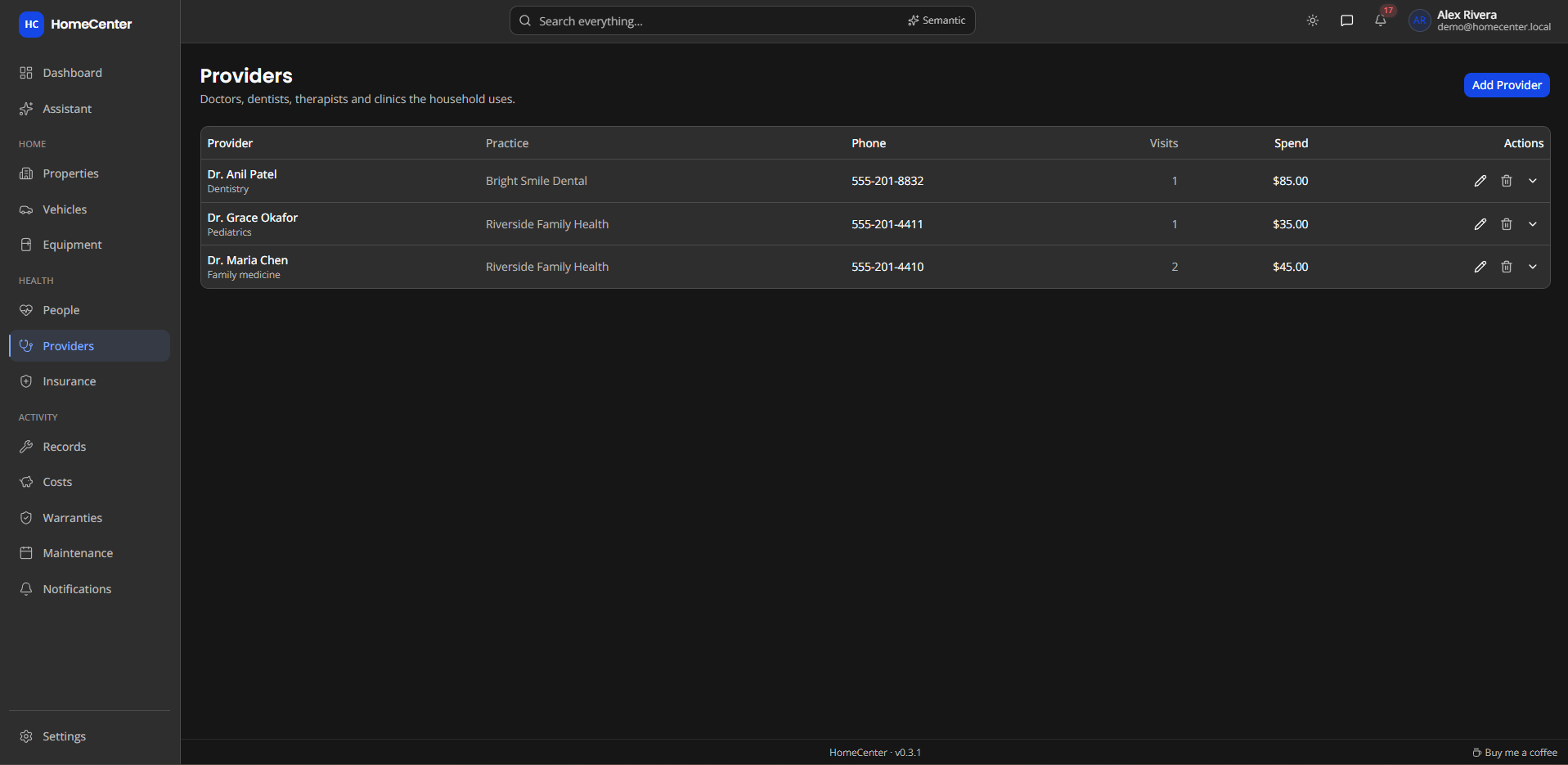
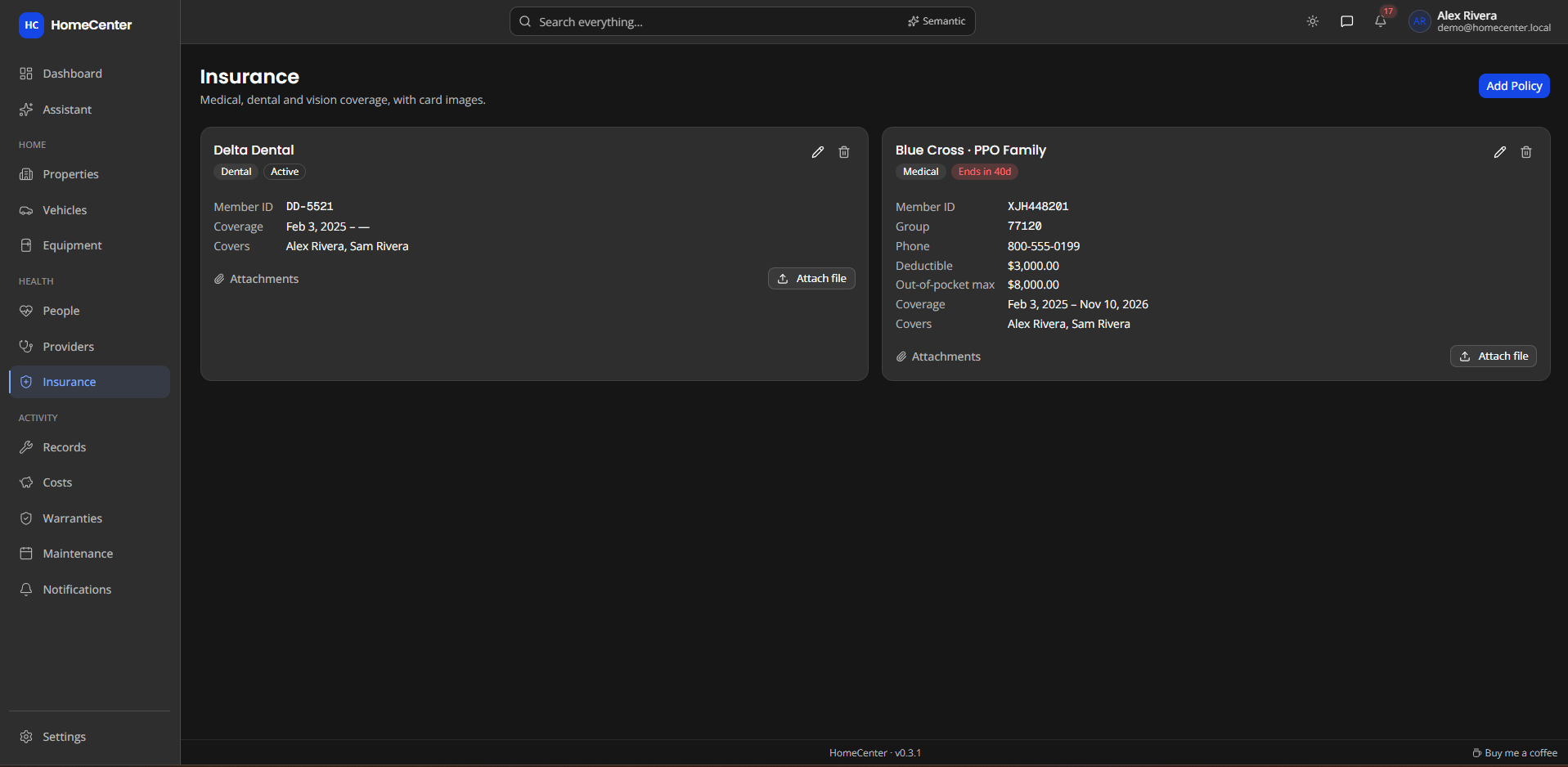
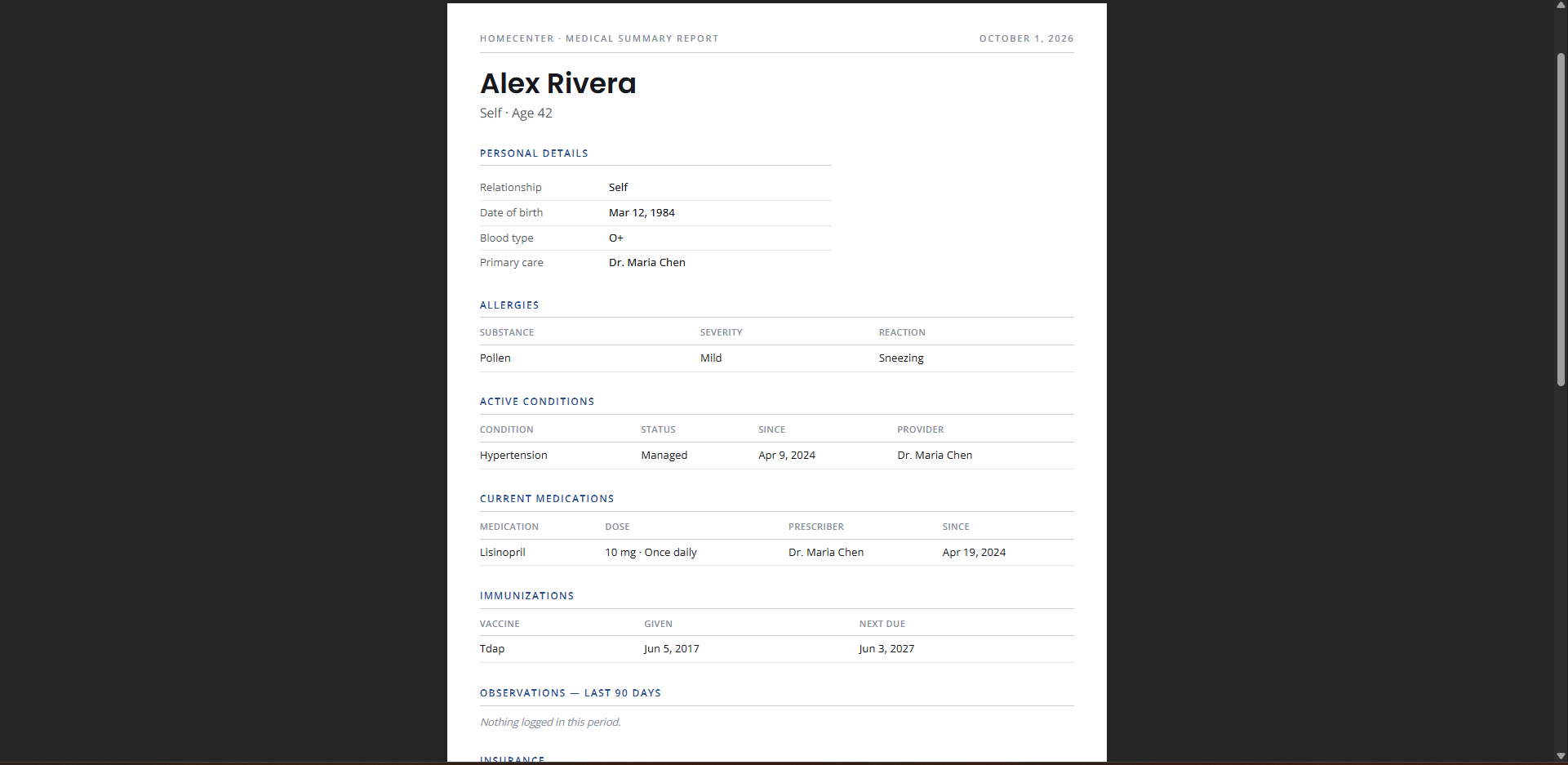
Keep each person's medical picture in one place, and print a clean summary for the next appointment.
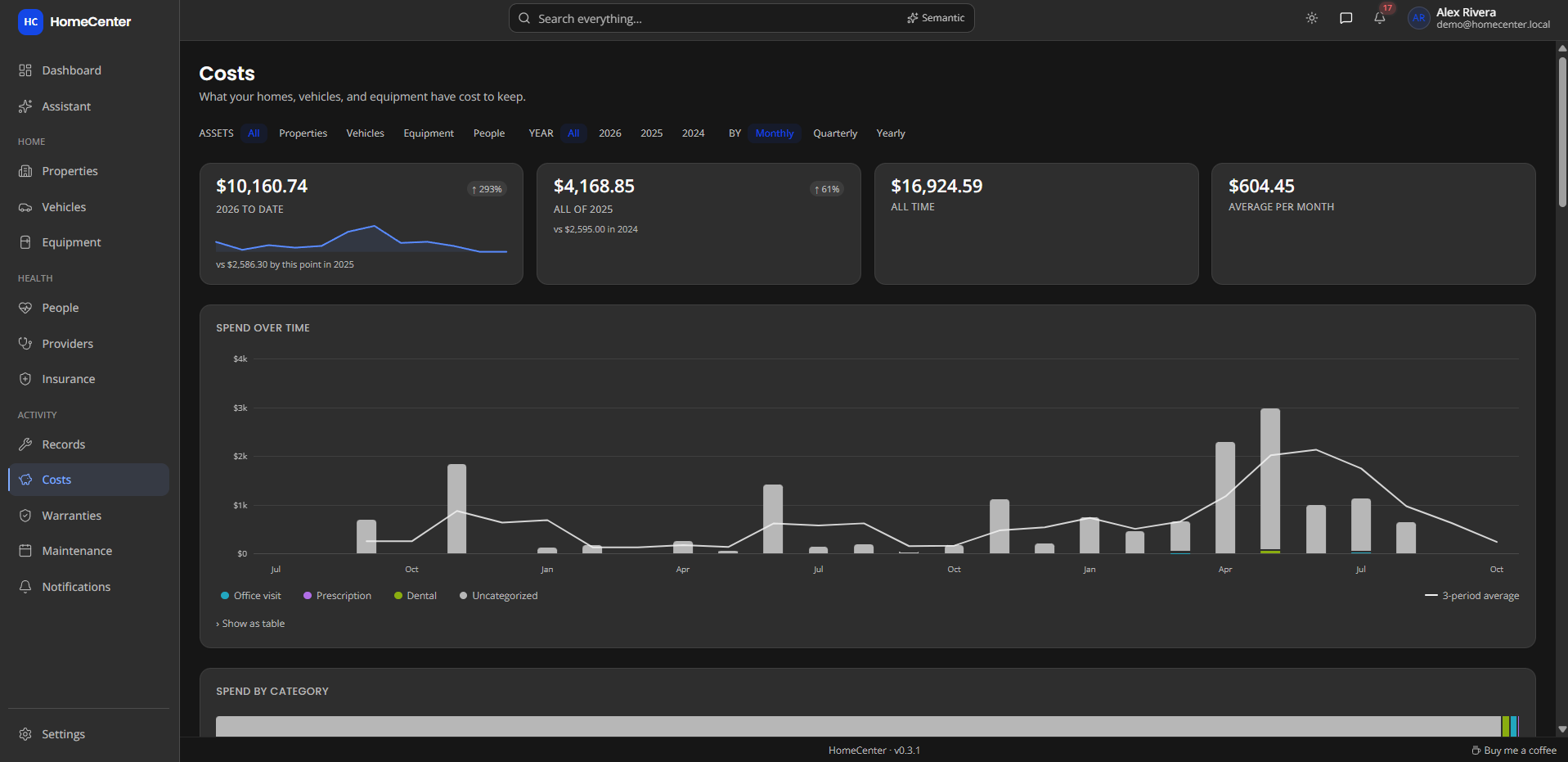
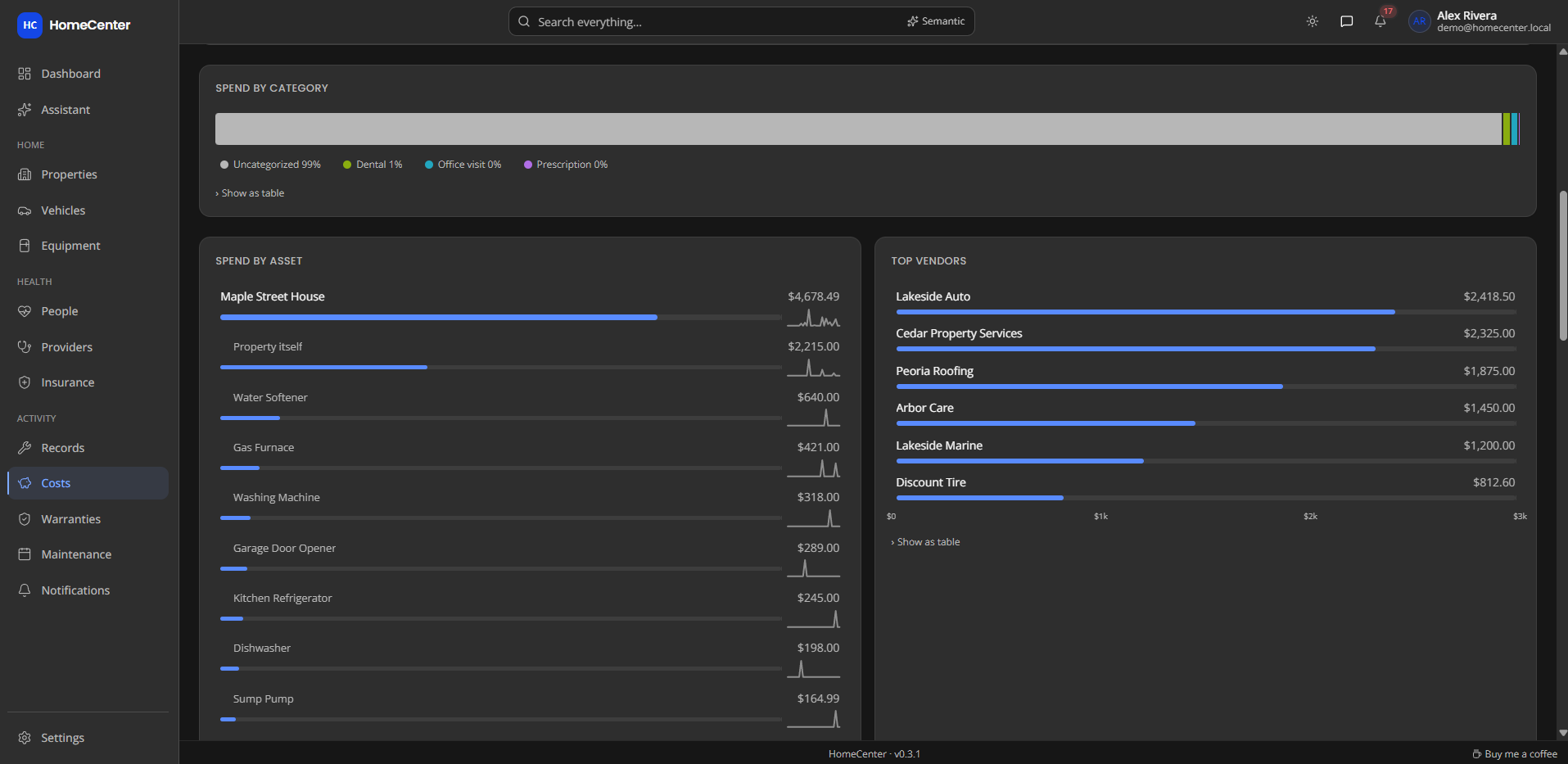
Every service record carries a cost. HomeCenter adds them up across your whole household.
One search box covers assets, records and the text of every file you've uploaded. Ask in your own words; it finds what you meant.
The assistant looks up your records and documents to answer plain-language questions, with links back to the source.
Reminders land in the app and, if you like, your inbox. Reports turn an asset's history into a document you can hand to a buyer, a mechanic or a doctor.
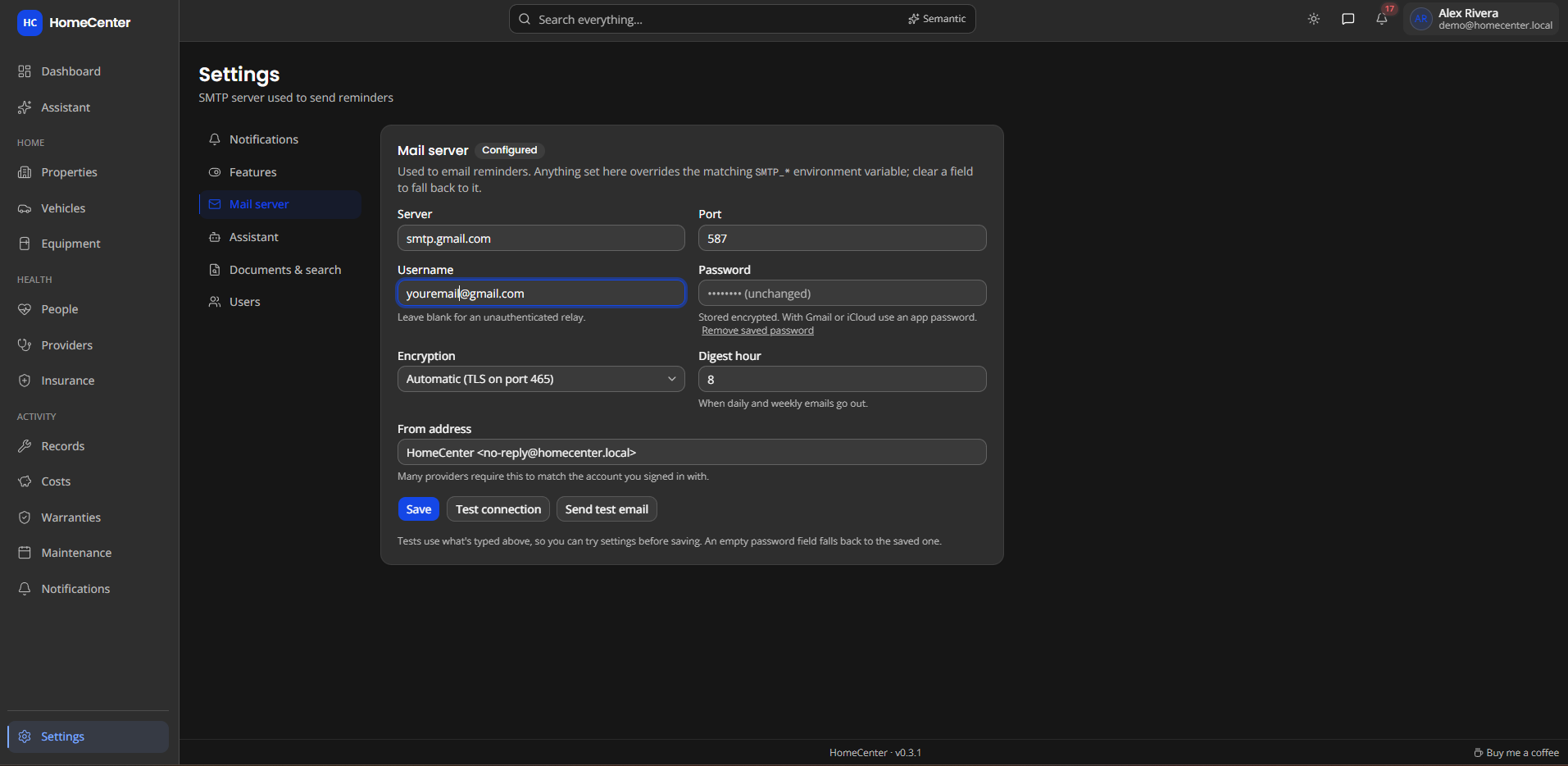
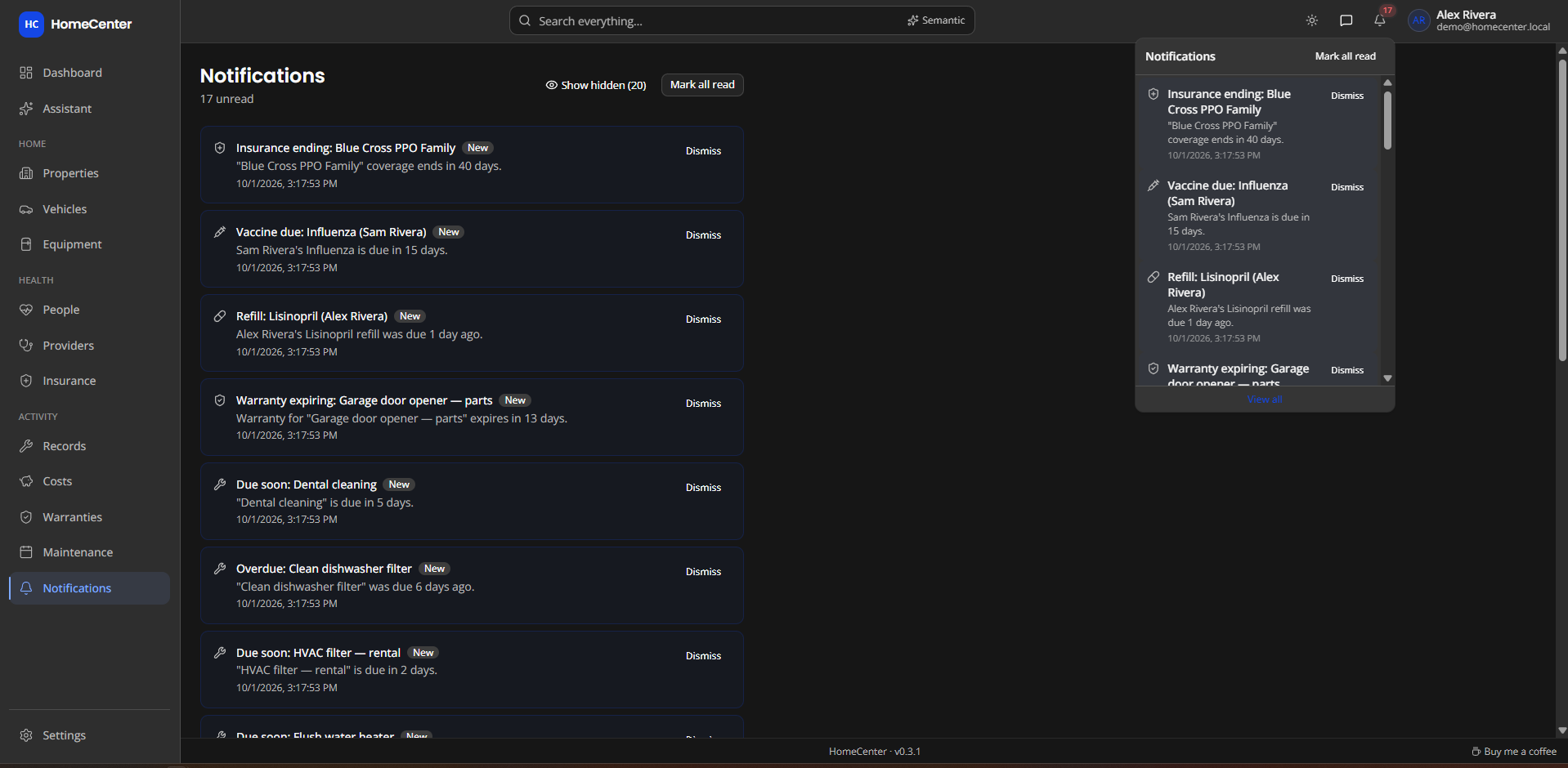
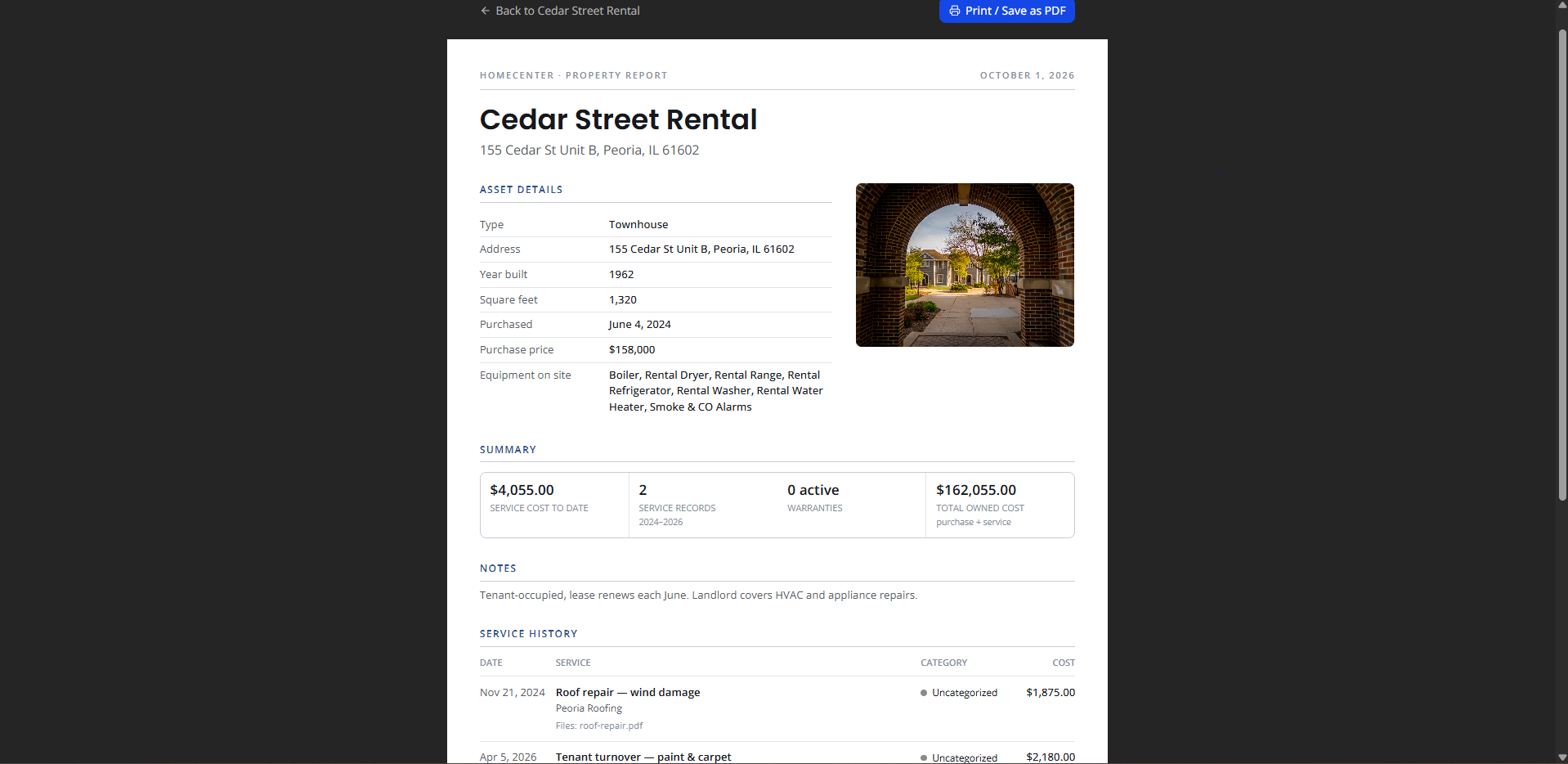
These arrived after the walkthroughs and screenshots above were recorded.
Drop receipts, photos, PDFs or forwarded emails anywhere. HomeCenter reads the date, vendor and total, suggests the asset, and files it as a service record. It offers to complete the matching reminder too.
Use the built-in parser or, optionally, a local AI model for harder receipts. If the model can't read a file, Intake tells you instead of quietly falling back.
Skip this time moves a reminder on without logging a service. Add default reminders fills an empty Maintenance tab with a starter plan.
Light and dark themes, picked from the top bar or stepped through with its arrows.
Collapse the sidebar to icons, and choose per device where the assistant button and Intake sit.
Exact matches come first, then results by meaning, then partial matches.
HomeCenter is one container and one data folder. You own both.
Runs on a Synology, Unraid, a Raspberry Pi-class box or any Docker host. Updates never touch your data folder.
OCR and meaning search run inside the container. Their only network call is an optional model download.
AI is off until you turn it on. Health can be hidden entirely. Mail and API keys are encrypted at rest.
/volume1/docker/homecenter.AUTH_SECRET with openssl rand -base64 32.docker compose up -d, or deploy as a Portainer stack.http://<server>:3000. The database and admin account are created on first boot.services: homecenter: image: ghcr.io/yatzin/homecenter:latest ports: - "3000:3000" volumes: - /volume1/docker/homecenter:/data environment: DATABASE_URL: "file:/data/homecenter.db" AUTH_SECRET: "" # required ADMIN_EMAIL: "your@email.com" ADMIN_PASSWORD: "changeme" restart: unless-stopped
No. HomeCenter runs on your local network. It goes online only for things you turn on: email reminders, a cloud AI provider, or downloading a larger search model.
Your question and the records needed to answer it go to the AI provider you configure, including health records if you allow it. Point it at Ollama or LM Studio on your own network and nothing leaves. The assistant is off until an admin sets it up, and chats are never stored on the server.
Back up the data folder. It holds the database, uploaded files and downloaded models. Copy it while the container is stopped, or use your NAS's snapshots. Keep your AUTH_SECRET as well, because the saved mail password and API key can't be decrypted without it.
Images are built for amd64 and arm64, so it runs on Synology, Unraid and other Docker hosts, including 64-bit ARM boards such as a Raspberry Pi.
Yes. An admin adds users under Settings → Users as admin or standard. Everyone sees the same household records. Admins also manage users, features, mail and the assistant, and each person chooses their own email reminders.
It stays in the database on your server, behind HomeCenter's login with sign-in throttling. The database file itself isn't encrypted, so protect the data folder like any other private files. The assistant can't read health documents unless an admin allows it, and you can hide the Health section entirely.
Free and open source under the MIT licence. One container, one data folder, on your own server.